Every company that adds AI to its operations hits the same fork within a few months. The first automations get built in Zapier or Make by whoever owns the process. They work. Then volume grows, the workflows get longer, someone adds an AI step that decides where a ticket goes or what an email says, and a question lands on the CTO's desk: should this still live in a no-code tool, should we move it to n8n, or should engineering just build it?
There is no single right answer, but there is a wrong way to decide: by tool loyalty, or by whichever monthly invoice is most annoying this week. This guide compares the three options the way a buyer should, by how they bill, where they break, and who ends up owning the result. Prices and limits below come from each vendor's public pricing page as of November 2026, and they change often, so check them again before you commit.
The short answer
Use Zapier or Make when the people closest to the process need to build and change it themselves, the workflow mostly moves data between SaaS tools, and volume is modest. Use n8n when the workflows are long, run often, need code in the middle, or have to stay on your own infrastructure. Write custom code when the automation is part of the product you sell, moves money or regulated data, or needs the testing and review you apply to any other production system.
Most companies past the early stage end up running two of these side by side. That is fine. The costly mistake is leaving a workflow on a tool it has outgrown because nobody owns the decision.
They don't bill the same thing
The single most useful thing to understand before comparing prices is that the three platforms count usage in different units. Comparing "$20 a month" with "$20 a month" tells you nothing until you know what a unit is.
- Zapier bills tasks. According to Zapier's pricing page, each successful action step uses a task, while triggers and built-in tools such as Formatter, Filters, Paths, Delay and Looping do not. Its published usage rates put an AI step at 1 task on standard models, 3 on advanced models and 5 on premium models, and an MCP tool call at 2 tasks. Paid plans start at $19.99 a month on the Professional tier, with the Team plan from $69.
- Make bills credits. Make's pricing page says each module action, such as reading a record or writing a spreadsheet row, uses one credit, with some AI features using more. The Core plan is listed from $12 a month for 10,000 credits. Its code module costs 2 credits per second of execution time.
- n8n bills executions. n8n's pricing page defines an execution as one run of an entire workflow, regardless of how many steps it has. The hosted Starter plan is $20 a month billed annually for 2,500 executions, and Pro is $50 a month billed annually for 10,000. The Community Edition is free to self-host.
- Custom code bills infrastructure and people. There is no per-step meter. You pay for servers or serverless invocations, which are usually small, and for engineering time to build and maintain it, which usually is not.
A worked example
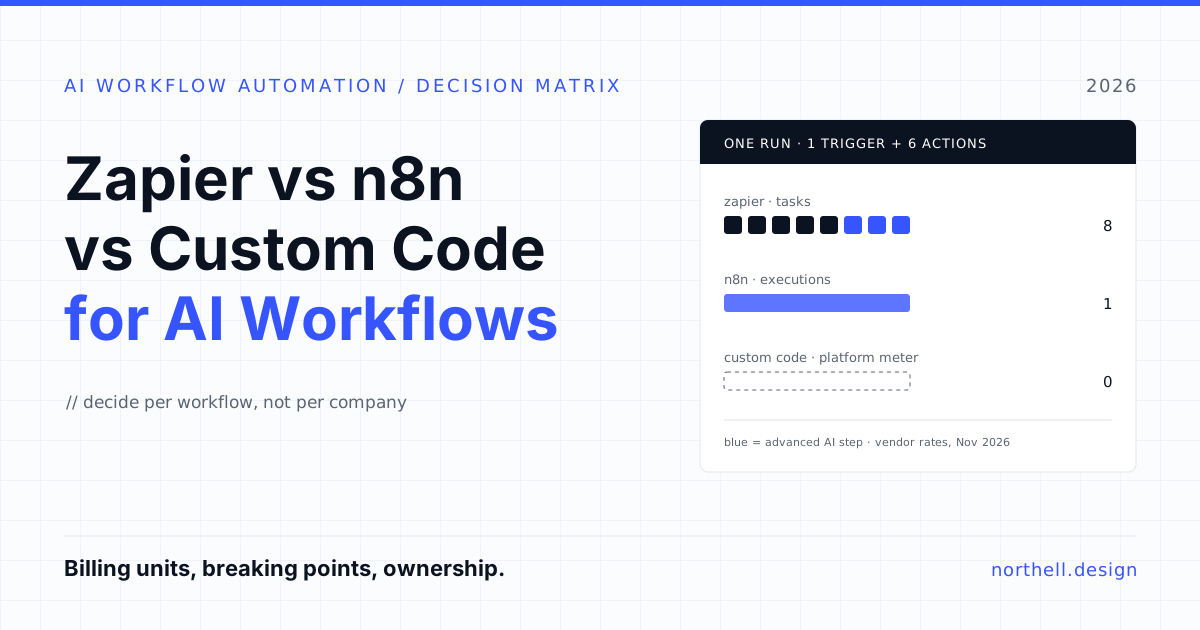
Take a support triage workflow that runs 3,000 times a month. A new ticket arrives, the workflow looks up the customer in the CRM, an AI step classifies urgency and topic on an advanced model, a second lookup pulls the account's plan, the ticket is updated, the right Slack channel is notified, and a row is written to a reporting sheet. That is one trigger plus six actions, one of them an AI step.
| Platform | How one run is counted | Units per month at 3,000 runs |
|---|---|---|
| Zapier | 5 standard actions at 1 task + 1 advanced AI step at 3 tasks = 8 tasks (trigger free) | About 24,000 tasks |
| Make | Roughly 1 credit per module including the trigger read, about 7 credits, more if the AI module uses Make's own AI provider | About 21,000 credits or more |
| n8n | 1 execution per complete run | 3,000 executions |
| Custom code | No platform meter; you pay for compute and the LLM API directly | Hosting costs plus maintenance time |
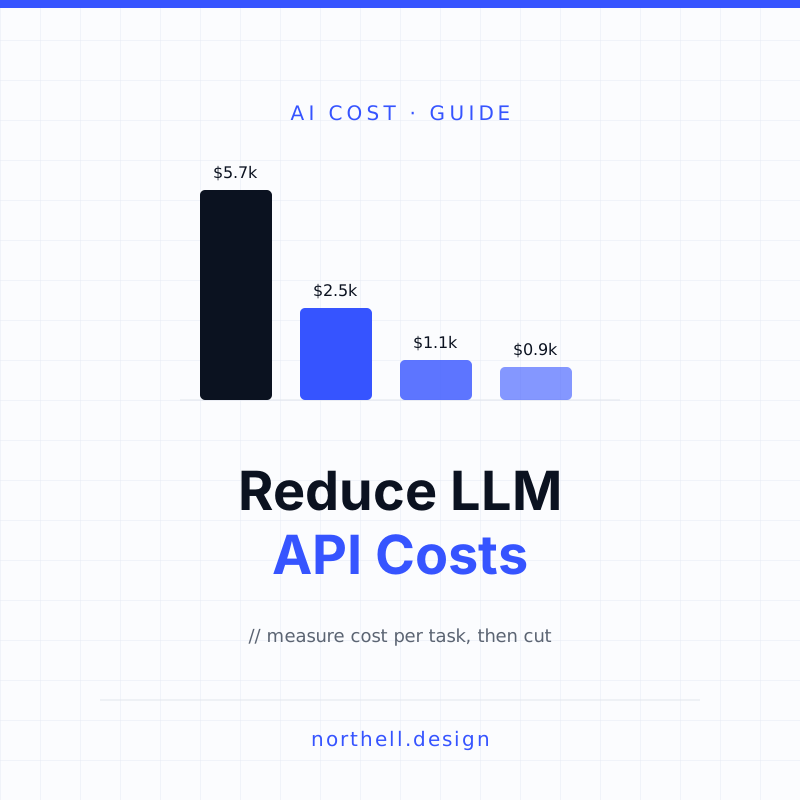
The numbers are illustrative, but the shape holds. Per-step billing grows with workflow length and with the AI model tier you pick. Per-run billing grows only with volume. That is why teams with long, AI-heavy workflows drift towards n8n or code, and why teams with many short workflows are often perfectly well served by Zapier. Note that on Zapier and Make you can usually bring your own model key, in which case you pay the LLM provider on top. Model spend is its own line item; our guide to reducing LLM API costs covers that side.
Where each option breaks
Price matters less than people think. What actually forces a migration is usually one of these limits.
Zapier and Make: ownership, debugging and runtime caps
Zapier and Make are at their best when the person who understands the process builds the automation. That strength turns into a weakness as the workflow grows. Logic gets spread across Paths, filters and sub-workflows that only the original builder understands. Code steps have time limits: Zapier lists 30 seconds of included runtime per code step on Professional and Team plans, and Make's maximum scenario execution time on paid plans is 40 minutes. Execution logs are kept for a limited window (Make lists 30 days on its paid self-serve plans), so a problem discovered six weeks later can be hard to reconstruct.
None of this is a criticism of the tools. They are built for speed and accessibility, and they deliver it. The problem appears when a workflow that started as convenience glue quietly becomes business-critical, and nobody has decided that it now needs the controls business-critical systems get.
n8n: you own more than you think
n8n gives developers more room: JavaScript and Python code nodes, HTTP requests to any API, webhooks and queue triggers, and self-hosting so data stays on your infrastructure. On hosted plans, n8n lists a 40-minute maximum execution duration on Pro.
Two things catch buyers out. First, self-hosting is free software, not free operations. Someone has to run upgrades, back up the database, watch the queue and respond when it stops at 2 a.m. Features such as Git-based version control, multiple environments, SSO and queue mode for scaling are listed on the Business plan (shown at €667 a month billed annually, self-hosted only) and Enterprise, not the free edition.
Second, the license. n8n's Sustainable Use License allows you to use and modify n8n for your own internal business purposes. n8n's documentation is explicit that making it available to your customers so they can connect their accounts and build workflows needs a separate commercial agreement. If your plan is to put "automations" in your own SaaS product and run them on the Community Edition, sort out licensing before you write a line of code.
Custom code: slow to start, cheap to change safely
Custom code has the opposite profile. Nothing works until engineers build it, and the first version takes longer than a Zap. But once it exists, it gets everything your other production software gets: automated tests, code review, staging environments, version history, proper observability and no per-step meter. For an AI workflow that makes decisions, those things are not optional extras. You need to know which prompt version produced which decision, and you need to be able to replay a failure.
The main risk with custom code is building it too early. A workflow that changes every week while the team figures out the process is a poor fit for an engineering backlog. Let it settle in a no-code tool first.
Working on something like this? See our Claude Agent Development →
The decision matrix
Score each workflow, not the company. Most organisations have some workflows that belong in each column.
| Question | Zapier / Make | n8n | Custom code |
|---|---|---|---|
| Who builds and changes it? | Ops, marketing, sales or support staff | Technical ops or developers | Engineering team |
| How often does the logic change? | Weekly, still being figured out | Monthly | Rarely; process is stable |
| Steps per run | Few (2 to 6) | Many, with loops and code | Any |
| Volume | Hundreds to low thousands of runs a month | Thousands to hundreds of thousands | Any, including spiky traffic |
| Is it part of what customers pay for? | No | No (unless licensed commercially) | Yes |
| Cost of a silent failure | Annoying, recoverable | Noticeable, needs alerting | Money, compliance or customer trust |
| Data residency requirements | Vendor's cloud is acceptable | Must stay on your infrastructure | Must stay on your infrastructure |
| Needs tests and code review? | No | Sometimes (Git version control on Business and Enterprise) | Yes |
If most answers for a workflow land in one column, you have your answer. If they are split, go with the column that matches the riskiest answer. A low-volume workflow that moves money still belongs in code.
What AI changes in this decision
Before AI steps were common, a workflow did the same thing every time. Now a model often decides what happens next: which team gets the ticket, whether an invoice matches a purchase order, what the reply says. That shifts the comparison in three ways.
- Billing gets less predictable. On Zapier, an AI step on a premium model costs five times a standard step, and each tool call an agent makes is billed separately. A workflow that lets the model choose its own tools can vary in cost from run to run.
- Evaluation becomes necessary. You need a set of real examples with known correct answers, and you need to rerun them whenever you change the prompt or model. n8n lists metric-based evaluations on its hosted plans; in custom code you build the harness yourself, usually alongside the tests you already run. In a no-code tool this is often skipped entirely, which is how prompt edits break things quietly.
- Audit trails matter more. When a model makes a decision that affects a customer, you want the input, the prompt version, the model, the output and the action taken, kept for as long as your compliance team needs. Log retention windows on hosted platforms are rarely long enough for regulated work.
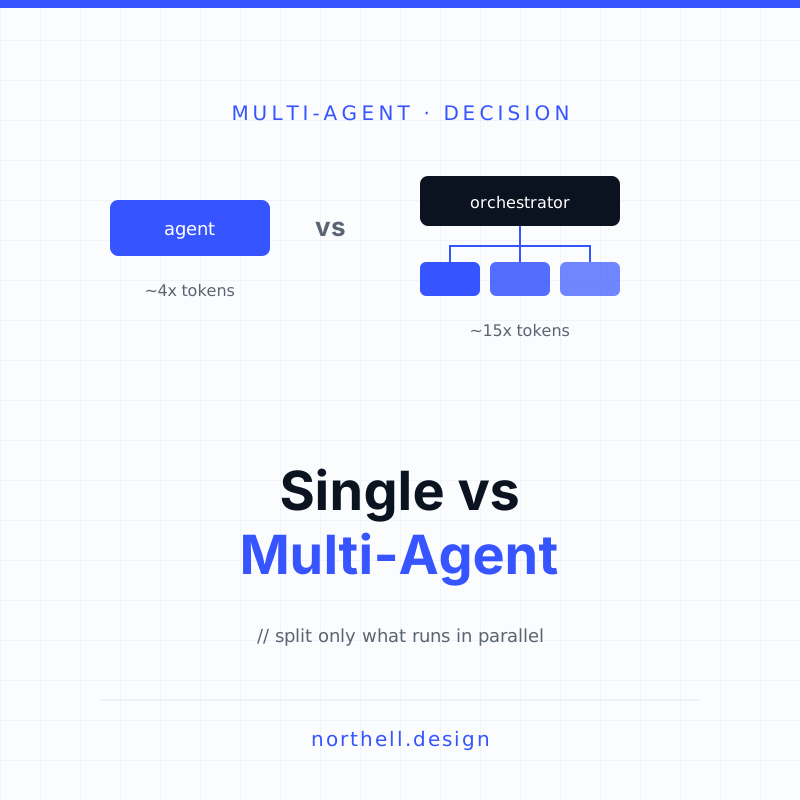
This is also where the line between "workflow" and "agent" blurs. If your automation is turning into a system where the model plans multiple steps and calls several tools, read our comparison of single-agent and multi-agent systems before you add more nodes to the canvas.
Three common paths
Stay on Zapier, and be deliberate about it
A 30-person company running lead routing, onboarding emails and invoice reminders, a few hundred runs a day, built by the ops lead. Moving this to code would cost more than it saves and take control away from the people who understand the process. The right investment here is hygiene: a named owner for every Zap, a shared folder structure, error notifications going to a channel someone reads, and a quarterly review of what is still running.
Move the heavy workflows to n8n
A company whose document-processing workflow runs tens of thousands of times a month, with a dozen steps, a code node to clean data and two AI calls. Per-step billing makes this expensive on a task-based plan, and the logic has become technical anyway. Moving it to n8n, hosted or self-hosted for internal use, is a sensible middle step. Keep the simple glue on Zapier where the business teams can still edit it.
Rebuild the core in code
A fintech or healthcare product where the "workflow" is actually the product: claims intake, payment reconciliation, patient messaging. Customers depend on it, regulators may ask about it, and failures cost money. This belongs in your codebase with tests, idempotent handlers, retries, alerting and a full audit log. Purpose-built systems such as an AI email triage agent are typical examples of automations that often start in a no-code tool and end up as software.
How to migrate without breaking things
If you decide a workflow needs to move, do it in this order:
- Write down what it really does. Export or screenshot every step, filter and path. Most workflows contain business rules nobody remembers adding.
- Collect real examples. Pull a few hundred past runs, including the failures, as test cases. For AI steps, record the expected classification or output.
- Build the new version to pass those cases before connecting it to live triggers.
- Run both in parallel. Let the new version process live events in shadow mode, writing results somewhere harmless, and compare against the old one for a week or two.
- Switch over, then switch off. Cut traffic to the new version, keep the old workflow paused but intact for a few weeks, then delete it so nobody accidentally turns it back on.
Our view
The no-code versus code debate is mostly a false choice. No-code tools are where processes get discovered, and that is valuable. Code is where processes that matter get hardened. n8n is a useful middle ground for technical teams, as long as you read the license and accept that self-hosting means operating software. The thing to avoid is drift: a revenue-critical, AI-driven workflow running on a canvas that one person understands, with log retention shorter than your billing cycle.
If you are weighing whether an automation should become a proper service, Northell designs and builds AI agents and automation systems for product and operations teams, and we are happy to look at a workflow and tell you honestly whether it is worth moving. You can get in touch here.